photogrammetry often results in high re-mobilization fees due to inadequate site data. Hundreds of images are usually needed, causing unnecessary processing time and storage issues.
The render-a platform offers a groundbreaking solution to this issue. It optimizes the photogrammetry workflow, allowing for a flawless, professional-grade 3D model with just 80 photos. This streamlined method not only halves data collection time but also keeps projects within budget.
Adopting this optimized workflow marks the future of precise drone data capture. With render-a, the risk of costly errors is greatly diminished. This opens the door to more efficient and cost-effective surveying practices.
The Hidden Costs of Inaccurate Aerial Data
Inaccurate aerial data in drone surveying often goes unnoticed. It can cause a chain of problems, from project delays to higher costs.
Common Errors in Traditional Photogrammetry
Traditional photogrammetry faces several common errors. These include missing details and issues with resolution or coverage. Such errors can greatly affect the data’s quality and usefulness.
Missing Details and Their Consequences
Missing details in aerial data can lead to severe consequences. For example, missing structural details in a building survey can result in incorrect assessments of the building’s condition or value.
Resolution and Coverage Issues
Issues with resolution and coverage can result in inadequate data. Low-resolution imagery may not capture the necessary details for a thorough assessment. Coverage gaps can also leave critical areas unexamined.
The Financial Impact of Re-mobilization
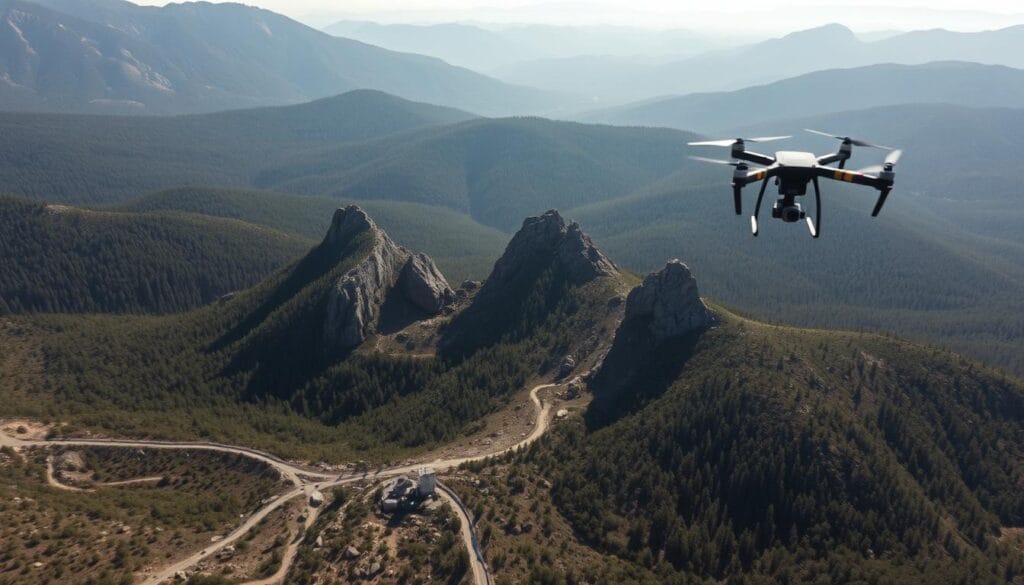
Re-mobilization due to inaccurate or incomplete data collection can significantly impact a project’s finances. This includes direct costs for field revisits and indirect costs due to project delays.
Direct Costs of Field Revisits
The direct costs of re-mobilizing a team for additional data collection are substantial. These costs include expenses for equipment, personnel, and overtime.
Project Delays and Client Satisfaction
Project delays from re-mobilization can lead to decreased client satisfaction and possible contractual penalties. It’s essential to maintain accurate and complete data from the start for project success.
Common issues in traditional photogrammetry include:
- Insufficient overlap between images
- Inadequate ground control points
- Poor weather conditions during data collection
Understanding the Render-a Platform Advantage
The Render-a platform introduces a groundbreaking method for drone surveying, significantly improving 3D model quality from minimal input. This is thanks to its advanced algorithms and detail preservation technology. It stands out as a leading solution in the field.
How Render-a Transforms Minimal Input into Detailed Models
Render-a’s capability to create detailed 3D models from just a few photos marks a significant leap in drone technology. This is mainly due to two critical elements.
Proprietary Processing Algorithms
Render-a uses advanced algorithms to enhance aerial data processing. These algorithms are crafted to improve output quality, ensuring the 3D models are both detailed and accurate. This precision is hard to achieve with traditional photogrammetry methods.
Detail Preservation Technology
Render-a’s detail preservation technology ensures that the fine details from drone surveys are maintained in the final 3D model. This technology is essential for tasks requiring high precision, such as GIS mapping and measurement.
Comparing Render-a to Traditional Photogrammetry Solutions
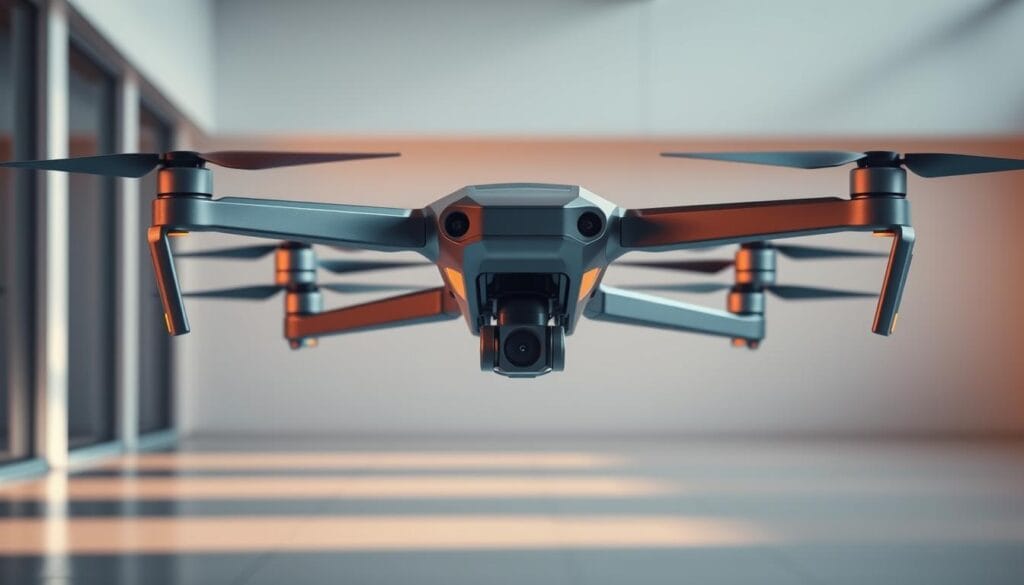
Render-a surpasses traditional photogrammetry solutions in several areas. It offers improved efficiency and enhanced quality standards.
Efficiency Metrics
Render-a’s workflow is designed for maximum efficiency, cutting down the time and resources needed for high-quality 3D models. This is achieved through streamlined processing and automated quality checks. It’s ideal for projects with tight deadlines.
Quality Benchmarks
The 3D models produced by Render-a exceed those of traditional solutions. Its use of advanced algorithms and detail preservation technology sets a new quality benchmark in drone surveying. This is critical for applications needing precise measurements and detailed models.
The Science Behind the 80-Photo Workflow
At the core of the Render-a platform is the 80-photo workflow. This method is scientifically proven to create perfect 3D models. It’s based on photogrammetry and is optimized for drone surveying.
Why 80 Photos Is the Optimal Number
The choice of 80 photos is not random. It strikes a perfect balance between coverage and processing efficiency. Too few photos can leave data gaps, while too many can overwhelm processing systems.
Coverage vs. Processing Balance
The 80-photo workflow aims to balance area coverage with processing time. This balance is vital for efficient drone surveying.
Data Redundancy Principles
Data redundancy is key in photogrammetry for creating accurate 3D models. The 80-photo workflow uses redundancy principles to ensure a strong and reliable dataset.
Equipment Requirements for Maximum Efficiency
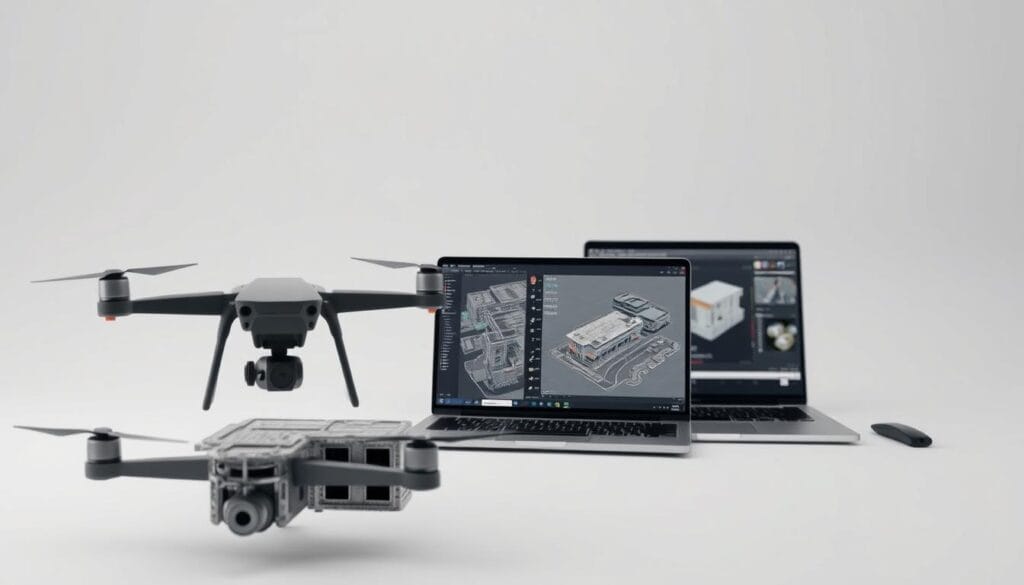
To get the most out of the 80-photo workflow, the right equipment is essential. This includes drones with specific features and cameras that capture high-quality images.
Recommended Drone Specifications
Drones for the 80-photo workflow need certain specs. They should have GPS and stable flight controls. This ensures photos are taken from the right angles and positions.
Camera and Sensor Considerations
The drone’s camera and sensor are critical for capturing the needed data. Look for high resolution, large sensor size, and the ability to handle various lighting conditions.
Drone Surveying Best Practices with Render-a
To achieve top-notch results in drone surveying, a blend of meticulous pre-flight planning, precise flight execution, and strict data quality control is necessary. By embracing Render-a’s best practices, users can significantly boost the accuracy and dependability of their surveys.
Pre-Flight Planning for Complete Coverage
Effective pre-flight planning is key to ensuring the drone captures all necessary data. This stage involves a thorough site evaluation and the optimization of the flight path.
Site Assessment Techniques
A detailed site assessment is vital for spotting obstacles and crafting the best flight plan. It encompasses terrain complexity, weather, and possible interference.
Flight Path Optimization
Optimizing the flight path is critical for achieving complete survey coverage. It requires planning the most efficient route to gather all required data.
Executing the Perfect Flight Pattern
Following the planned flight pattern is essential for collecting high-quality data. It involves setting the correct altitude, overlap, and managing environmental factors.
Altitude and Overlap Settings
Choosing the right altitude and overlap is critical for capturing detailed images. Altitude impacts image resolution, while overlap ensures full area coverage.
Managing Environmental Variables
Weather and lighting conditions can greatly affect data quality. Managing these variables ensures consistent and reliable data capture.
Data Collection Quality Control
Ensuring data quality is of utmost importance. This involves reviewing images on-site and confirming complete coverage.
On-Site Image Review
An on-site review of captured images allows for immediate issue identification and coverage gaps. This enables real-time adjustments.
Ensuring Complete Coverage
Verifying complete survey area coverage is critical for project success. It involves confirming all required data has been captured.
By following these best practices with Render-a, users can optimize their drone surveying workflows. This ensures high-quality data collection and accurate results. Such optimization enhances surveying efficiency and supports better decision-making in fields like precision agriculture and PVsol integration.
Step-by-Step Processing Guide
Render-a’s user-friendly interface makes navigating through data processing straightforward. This guide will help you understand the key steps to effectively process your drone survey data.
Uploading Your Dataset to Render-a
The first step is to upload your dataset to Render-a. This involves preparing your files and navigating the platform.
File Preparation and Organization
Before uploading, ensure your files are organized and in the right format. Render-a supports various formats, but check the documentation for the best ones. Organize your files into folders for easier management.
Platform Navigation
With your files prepared, navigate to the Render-a platform. Log in and find the upload section. The platform is designed to be easy to use, with clear instructions for uploading.
Processing Configuration Options
After uploading, configure the processing options for your project. You can set resolution, detail levels, and output format.
Resolution and Detail Settings
Adjust the resolution and detail settings according to your project’s needs. Higher settings mean more detailed models but require more processing power. Render-a helps you find a balance between detail and efficiency.
Output Format Selection
Select the output format that fits your needs. Render-a supports formats for GIS, 3D modeling, and more. Choosing the right format ensures compatibility with your workflows.
Quality Verification Checkpoints
After processing, check the quality of your data. This involves visual inspection and measurement validation to ensure accuracy and reliability.
Visual Inspection Techniques
Inspect your 3D model for any anomalies or errors. Render-a’s interface makes it easy to navigate and inspect your model from different angles, helping you spot issues.
Measurement Validation
Validate your 3D model’s measurements against known reference points or ground truth data. This step is essential for ensuring the accuracy of your survey data.
By following these steps and using Render-a’s powerful features, you can achieve high-quality results from your drone surveys. This enhances your photogrammetry workflow.
Integrating 3D Models with Industry Software
Integrating Render-a’s 3D models with industry software can greatly enhance workflow efficiency and accuracy. This integration allows for the smooth transfer of detailed 3D models into various applications. It boosts the efficiency of projects overall.
Seamless Connection with Measurement Tools
Render-a’s 3D models seamlessly connect with measurement tools. This connection is essential for projects needing precise calculations and analysis. It’s vital for fields like construction and surveying.
Compatible Software Platforms
Render-a’s 3D models work with a variety of software platforms. These include:
- Autodesk Civil 3D
- Bentley MicroStation
- ESRI ArcGIS
Data Export Procedures
Exporting data from Render-a is simple. First, select the desired dataset. Then, choose the right file format. Lastly, transfer the data to your chosen software platform.
PVsol Integration for Solar Planning Projects
Integrating Render-a’s 3D models with PVsol boosts solar planning projects. It provides accurate terrain data. This is key for optimizing solar array layouts and ensuring high energy production.
Model Preparation for Solar Analysis
To prepare Render-a’s 3D models for solar analysis, ensure they are accurate and detailed. This includes verifying the model’s resolution and checking for errors.
Optimizing Solar Array Layouts
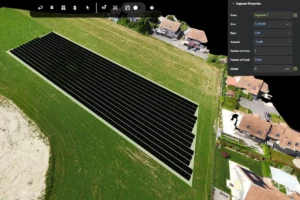
With Render-a’s 3D models in PVsol, professionals can optimize solar array layouts. They analyze terrain data and adjust layouts for maximum energy production.
By following these steps, professionals can optimize their solar planning projects. This ensures maximum efficiency and energy production.
Troubleshooting Common Workflow Issues
To fully benefit from lidar and drone technology, tackling common workflow challenges is key. Drone data collection and aerial mapping face various hurdles, from image quality issues to processing errors. It’s vital to know how to solve these problems for a seamless workflow.
Addressing Image Quality Problems
Image quality is essential for precise aerial mapping. Several elements can influence image quality, including lighting and camera settings.
Lighting and Weather Challenges
Bad weather, like harsh light or overcast skies, can harm image quality. “The solution is to schedule drone flights when the weather is best,” advises a drone technology expert. Proper lighting can significantly improve aerial data quality.
Motion Blur Prevention
Motion blur is a common problem that can degrade image quality. To avoid it, keep the drone flight steady and adjust camera settings. A gimbal can also reduce camera shake and blur.
Resolving Processing Errors
Processing errors can stem from various causes, like insufficient image overlap or complex shapes. Knowing how to fix these issues is critical for aerial mapping success.
Insufficient Overlap Solutions
Not enough overlap between images can cause processing errors. To prevent this, make sure your drone flight plan has enough overlap, usually 80% or more, based on the project’s needs.
Handling Complex Geometries
Complex shapes, like those in urban areas or dense vegetation, can be tough for processing software. Advanced algorithms and settings adjustments can help manage these complexities.
By tackling these workflow problems, professionals can enhance their drone data collection and aerial mapping efforts. This ensures high-quality results and efficient project completion.
Real-World Success Stories and ROI Analysis
Render-a has shown its worth in various sectors, from commercial projects to large-scale solar farms and infrastructure checks. It has helped businesses see real returns on their investments. This is thanks to its advanced drone surveying system.
Commercial Development Case Study
A project in the United States used Render-a for drone surveys. It led to better accuracy and efficiency in commercial development.
Project Parameters
The project covered a 100-acre site with challenging terrain. It needed precise data for planning. Render-a’s 80-photo method provided full coverage.
Measured Cost Savings
Render-a cut surveying costs by 30% and project time by 25%. This resulted in significant savings.
Utility-Scale Solar Implementation
Render-a helped in a large solar project. It provided detailed site analysis and planning through drone surveys.
Planning Efficiency Improvements
Render-a boosted planning efficiency by 40%. The detailed 3D models helped in making better decisions.
Error Reduction Metrics
Render-a cut site analysis errors by 50%. This was thanks to its high accuracy.
Infrastructure Monitoring Application
Render-a was used for infrastructure monitoring. Drone inspections were done to check critical infrastructure.
Inspection Workflow Transformation
- Enhanced data collection accuracy
- Reduced inspection time by 35%
- Improved safety through reduced need for manual inspections
Maintenance Planning Benefits
Render-a’s 3D models helped maintenance teams plan better. This reduced downtime and improved infrastructure reliability.
Transforming Your Surveying Workflow
Using the Render-a platform and its 80-photo workflow can greatly improve the accuracy and efficiency of drone surveying. It leads to detailed 3D models essential for precise measurement and analysis.
Integrating Render-a into your workflow simplifies data processing and minimizes the risk of errors from traditional methods. It ensures high-quality results from minimal input. This makes it a valuable asset for construction, solar planning, and infrastructure monitoring.
Ready to see how Render-a can deliver perfection from minimal input and prevent costly errors?
Start your demo project today and experience the benefits of an optimized drone surveying workflow.
Youtube: Render-a
Linkedin: Let’s Contact Us